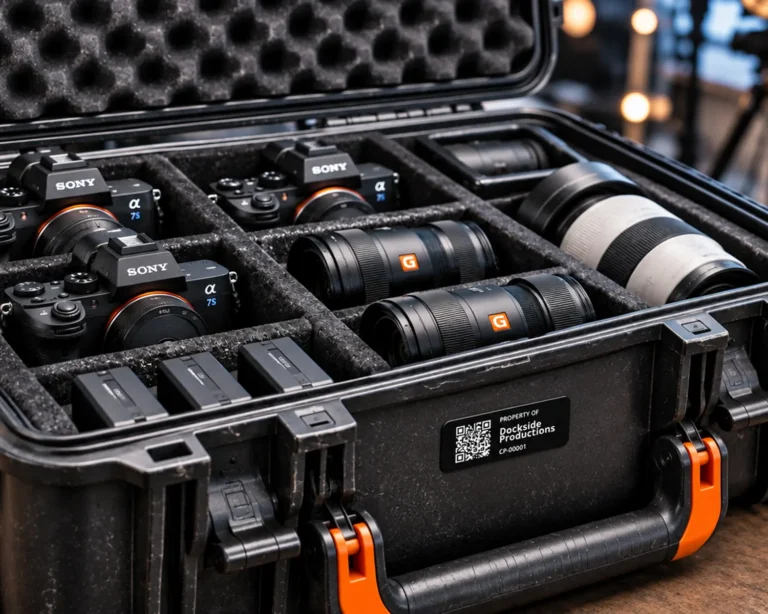
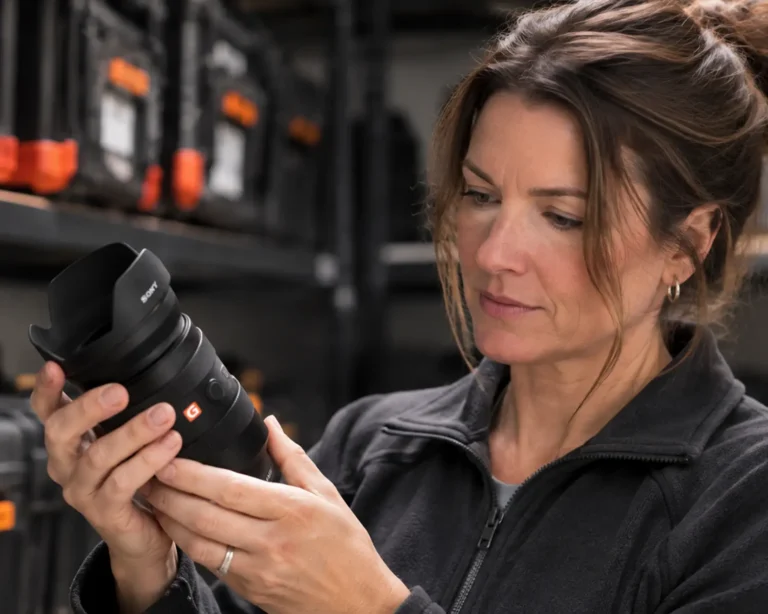
Equipment Labels You Can Print at Home
When we started building GearDock.io, one of the questions we needed to answer was how we would physically connect each piece of equipment to its digital inventory record. We wanted someone to be able to pick up a camera, lens, or microphone, scan a label, and immediately access information about that specific item.
There are several ways to accomplish this, including traditional barcodes, RFID tags, NFC chips, and QR codes. Each has its advantages, so we spent some time considering which approach made the most sense for what we were trying to build.
Our biggest consideration was cost. We wanted someone managing a handful of cameras in their home office to have access to the same basic inventory tracking capabilities as a larger production company, without having to invest in specialized equipment just to get started.
Exploring RFID and NFC
RFID was one of the first technologies we considered. It’s used extensively in warehouses, retail operations, and other environments where businesses need to track large numbers of items. Depending on the system, RFID can even allow multiple items to be identified without scanning each one individually.
That sounded appealing, particularly for managing equipment that frequently moves between people and locations. But as we started looking into the costs, we realized it was probably more than we needed. RFID inventory systems can require dedicated readers, and the tags themselves add another expense. For someone managing a relatively small inventory of equipment, those costs could quickly become difficult to justify.
We also looked at NFC, which uses similar technology but works at much shorter distances. One advantage of NFC is that many modern smartphones can read these tags without additional hardware. That addressed part of our concern, but we still had to account for purchasing and programming physical tags.
And neither technology offered something we considered particularly important: the ability to print labels at home using an ordinary printer.
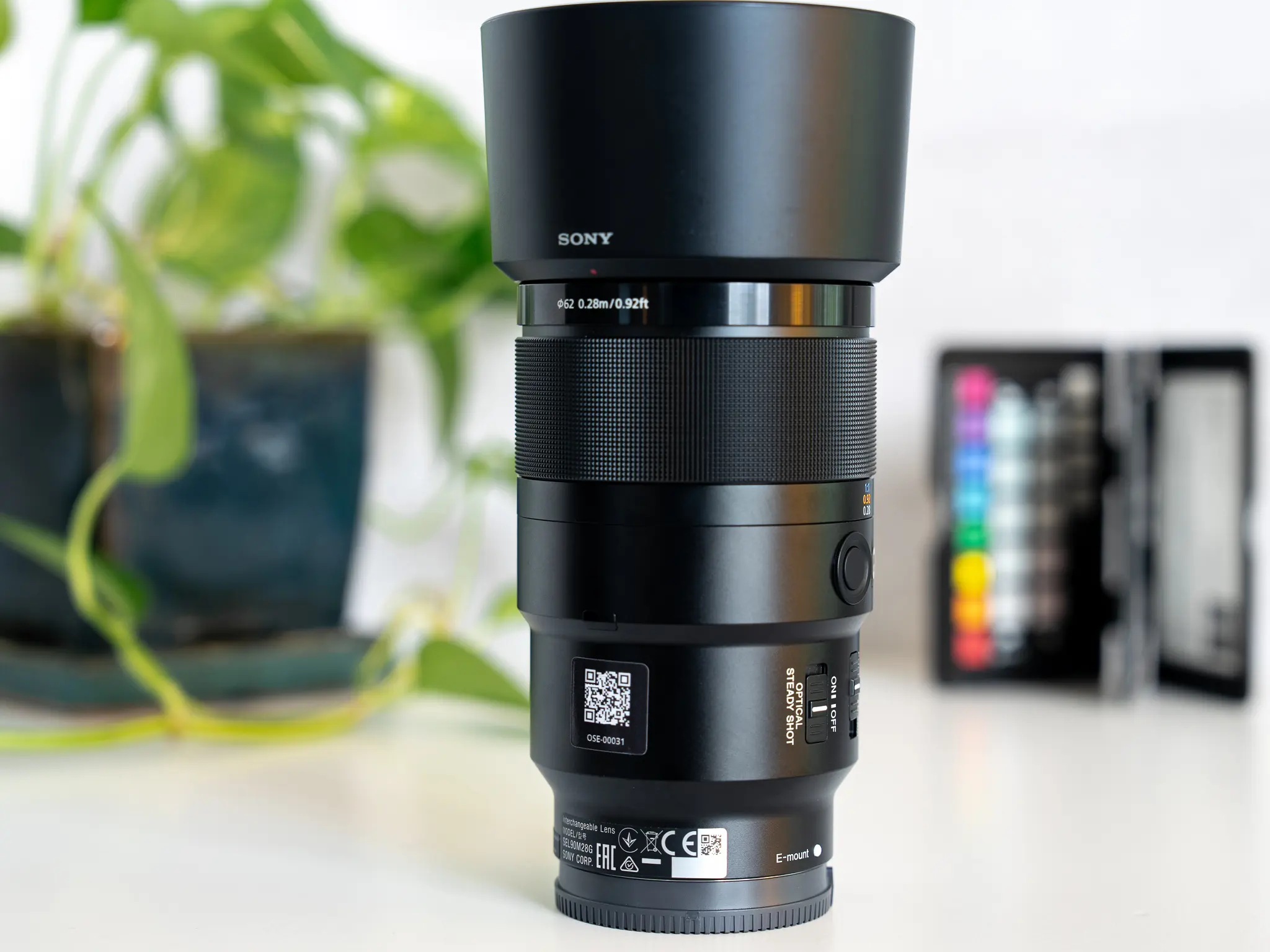
GearDock.io QR Code Label on Sony Lens
What If You Could Just Print Your Own Labels?
We started thinking about how simple we could make the process. What if someone could add their equipment to GearDock.io, generate a label, and print it on a sheet of adhesive-backed paper they already had at home?
No specialized printer. No electronic tags to purchase. No additional hardware to configure.
QR codes made that possible.
Every item in GearDock.io has its own unique URL, which means we can generate a QR code that links directly to that specific piece of equipment. From there, it’s simply a matter of turning the code into a label that can be printed and applied.
We developed four different label format and size combinations to accommodate different types of equipment. A larger piece of gear might have plenty of room for a label, while something like a camera lens may require a smaller option.
We also wanted to give people flexibility in how those labels were produced. GearDock.io can arrange labels into a print-at-home file that can be printed onto adhesive-backed paper and cut out manually. For those who prefer a more polished, durable result, the system can also generate professional print files with contour-cut lines for commercial printing.
The idea was to let people get started with what they already had, then choose a more professional printing option if they wanted one.
What Happens When Someone Else Scans Your Gear?
There was another reason QR codes appealed to us, and it had less to do with printing than with what happens when someone scans one.
We’ve all left something behind at some point. Maybe it’s a microphone after a shoot, a camera accessory at an event, or a piece of equipment that gets separated from the rest of a kit. If someone finds it, we’d like to make it as easy as possible for them to figure out where it belongs.
With QR codes, virtually anyone with a smartphone can scan a label using their phone’s camera. They don’t need to download GearDock.io, create an account, or know anything about our platform.
That led us to design two different experiences around the same QR code.
If someone scans a label while logged into GearDock.io with the appropriate permissions, they can access that item’s inventory record, including details such as its serial number, purchase price, and replacement value.
But if someone outside the organization scans the same label, they’re directed to a public page with information about where the equipment should be returned.
We liked the idea that the same inexpensive label could serve both purposes. It could help us manage our equipment internally while also giving someone who found a lost item a straightforward way to return it.
Making Equipment Labeling Accessible
Ultimately, we wanted anyone to be able to create and use equipment labels without purchasing specialized hardware or expensive supplies. Whether you’re managing a handful of cameras or hundreds of pieces of production equipment, the process should be just as straightforward.
With GearDock.io, you can create your inventory, generate unique QR code labels, and print them yourself or have them professionally produced. And because each label connects directly to an equipment record, there’s much more behind that little square of ink than simply identifying what something is.
If you’re looking for an affordable way to label and track your equipment, explore GearDock.io and see how it works.